Sekoia
Sekoia
Description
The Sekoia's SIEM has been integrated with M&NTIS Platform. This system receives logs from configured log collectors inside the lab, and can triggers alerts depending on a catalog of detection rules.
Configuration
Currently, the integration is done through a logstash log aggregator launched in M&NTIS labs. The logstash configuration is automatically deployed and only requires, as user input, a Sekoia API key.
To enable Sekoia's SIEM in your simulation, you need to obtain an API key of Sekoia and provide it as input when configuring a lab.
If your Sekoia community is not hosted in the FRA1 region, also set the region option to its hosting region: FRA1 (default), FRA2, MCO1, UAE1, USA1 or SGP1.
When a Suricata probe is part of the lab, its alerts and protocol metadata (EVE logs) are sent to a dedicated Suricata intake.
Each lab creates its own entity in the Sekoia community, with one intake per data source and one asset per lab machine. At the end of the lab, M&NTIS removes these objects, and only these: the rest of the community is left untouched. Assets are revoked rather than deleted, as Sekoia no longer allows deleting them. Their description starts with "Created by M&NTIS Platform for lab", followed by the lab identifier, which makes them easy to find if a lab could not clean up after itself.
API key permissions
The API key is created by an administrator, at the level of the Sekoia community that receives the lab's events. A workspace-level key also works but grants access beyond that community, so a community-level key is preferred. The key needs the following permissions:
| What M&NTIS does | Permission |
|---|---|
| Create the lab's entity, and delete it at the end of the lab | Entity creation and deletion |
| Create one intake per data source, and delete them at the end of the lab | SIC_WRITE_INTAKE |
| Register the lab machines as assets, and revoke them at the end of the lab | Asset creation and revocation |
| Retrieve the alerts raised during the lab | SIC_READ_ALERTS |
| Read the asset linked to each alert | ASSETMANAGEMENT_VIEW_ASSET |
Logs are sent with the intake keys created for the lab, which need no additional permission. A missing permission makes the lab fail with an HTTP 403 error that names the Sekoia API URL concerned, except for assets: the lab then goes on without them.
Usage
After launching a lab, you need to log in the Sekoia main page in order to view logs and alerts. M&NTIS's integration of Sekoia separates labs in distinct entities. To verify that a new entity has been correctly created for a new M&NTIS lab, select the Entities tab on the left pane.
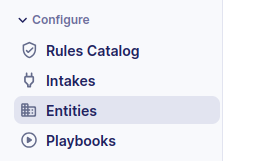
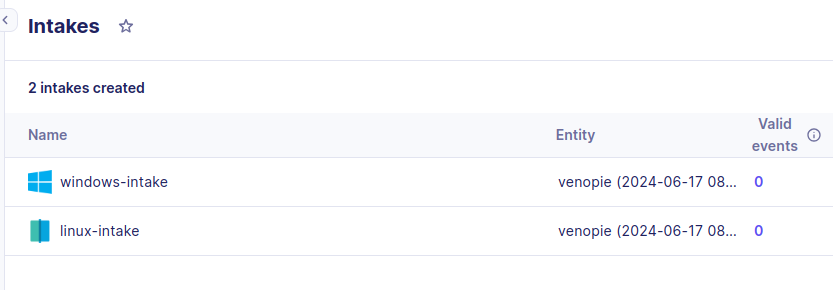
Then, you can see that new intakes have been created for each data source. For example in the Venopie M&NTIS scenario, two intakes were created, for Linux and Windows data sources.
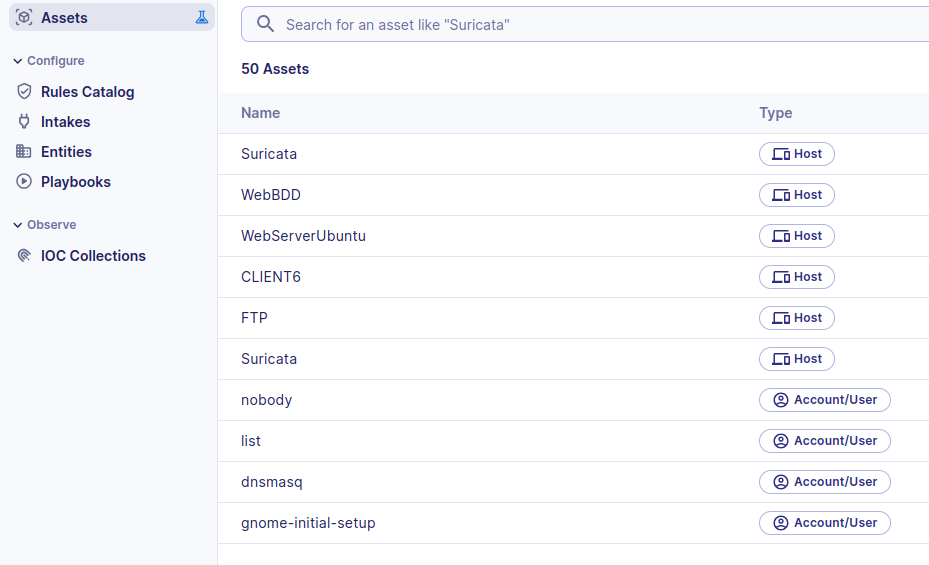
You can check which nodes of the lab are discovered by Sekoia's SIEM as assets. To achieve this, click on the Assets section. Some extra nodes might be infered by Sekoia's engine.
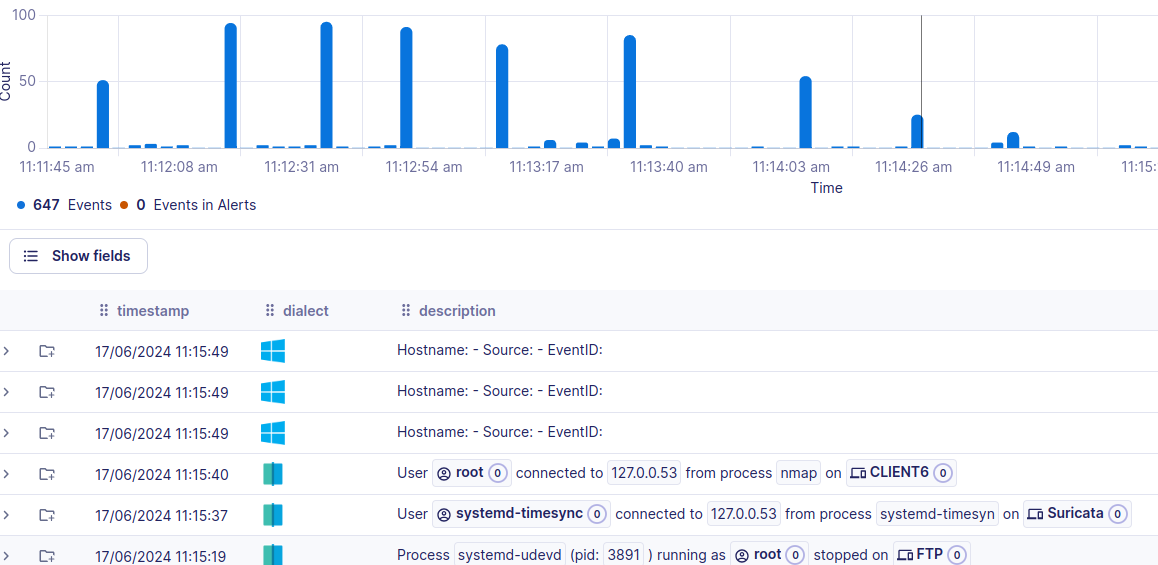
You can check the events in the Events tab on the left pane. In the page, you might need to adjust the time range for the data. By default, Last 5 minutes is selected, but we recommand to choose Last hour in order to have an overview of the produced logs during the timeframe of the scenario execution.
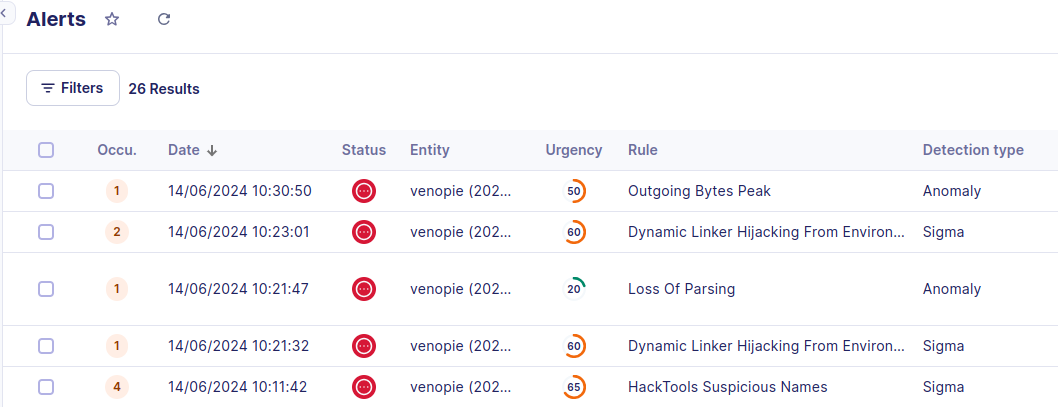
In the same manner, you can see Alerts by selecting Alerts in the left pane, in order to analyze alerts produced during scenario execution.